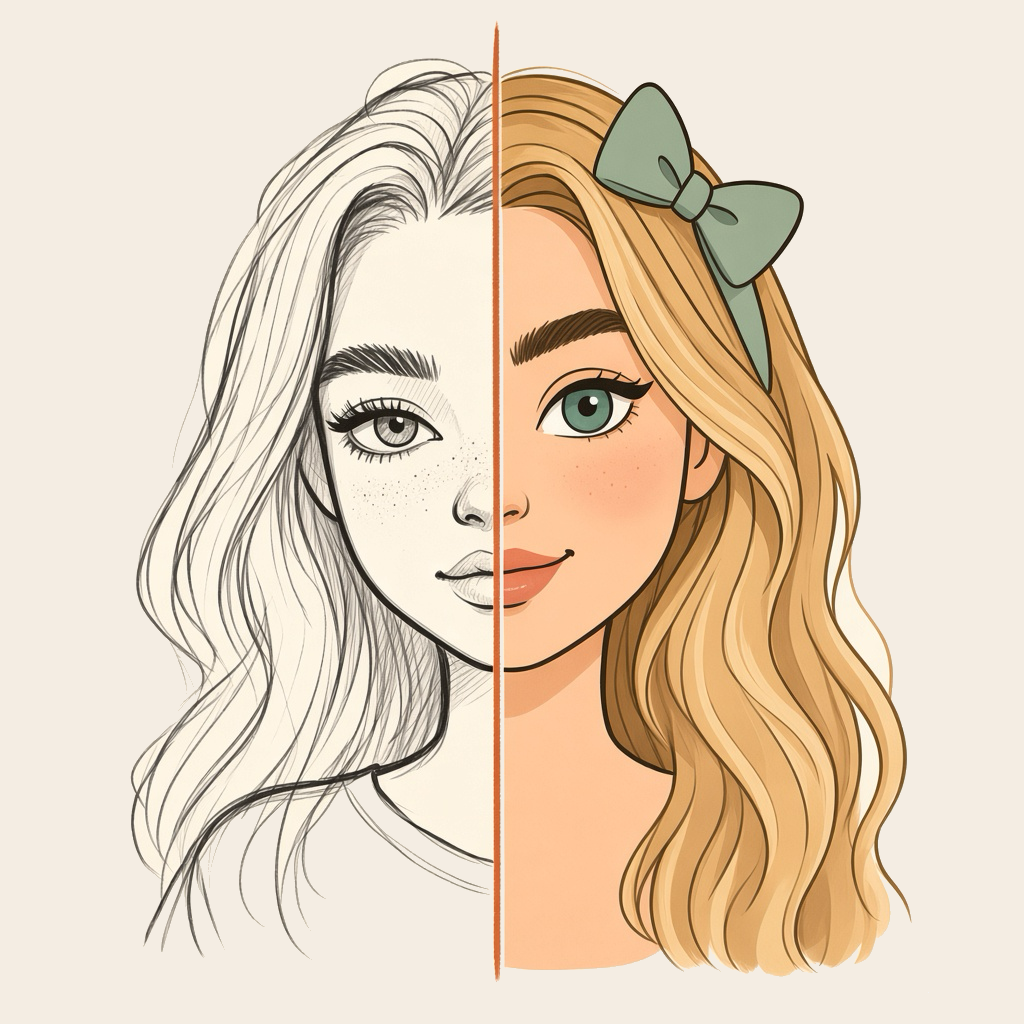
Studio first
Shoot or pick a drawing, add optional notes (“keep my colors, make it sunny”), then tap Make it real. Each creation uses credits from your wallet.
Visualora: Sketch to Photo
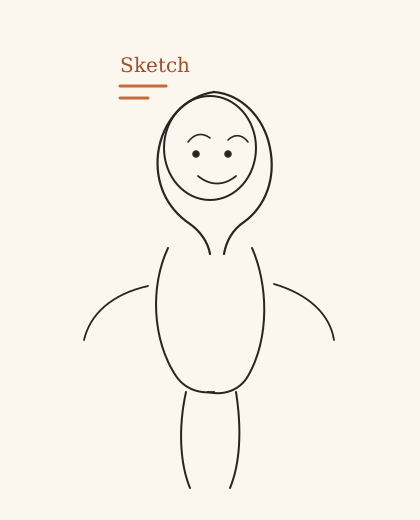
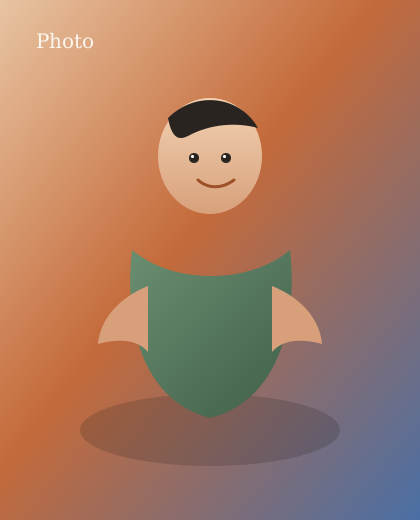
Photograph a crayon drawing, pencil sketch, or finger painting. In Studio, pick a look — realistic photo, anime film, or cartoon — and tap Make it real. Visualora keeps the pose and layout you drew.
The rooms
Three rooms, one loop: capture a drawing, choose a finish, keep the original beside the result.
Shoot or pick a drawing, add optional notes (“keep my colors, make it sunny”), then tap Make it real. Each creation uses credits from your wallet.
Realistic photo, anime film, cartoon, pencil, watercolor, oil, comic / manga, 3D render, pixel art, pop art, clay / stop-motion, and fantasy illustration.
Originals and results land in Library — not a public feed. Paper (terracotta) and Ink (sage) themes follow you in Profile.
How it works
A scribble is enough. Photograph the paper or pick an image from your gallery.
Open Studio with a style already chosen, or browse the Styles gallery first.
Credits debit when the job starts. If the render fails, those credits return to your wallet.
Save to Photos, send it to family, or run the same doodle through another style.
Looks
Unlike a text-to-image box, Visualora starts from your composition. Photo stylizers start from a camera shot; this studio starts from a drawing.
In your hand
Cream paper, terracotta, and sage. Sign in with Google, or Sign in with Apple on iOS. English and Hindi are in the app.
Creations use wallet credits. New accounts receive a welcome bonus; you can also claim a daily streak or buy a pack. Failed jobs refund the debit. Purchased credits expire after 30 days. Visualora Pro may be offered in your region as an optional upgrade that does not debit credits while it is active.
It is not a camera, not a forensic tool, and not a promise that a generated image is a real photograph of a real event or person. Review every result before you share it.

Questions
Yes. Photograph a drawing or pick it from your gallery, choose a look such as realistic photo, anime film, or cartoon, then tap Make it real. The result follows the pose and layout of your lines — it does not ignore the doodle the way a text-to-image prompt would.
Marketing is family-friendly, and a child’s-looking crayon drawing is a perfectly good input. The product is not directed at children under 13. You must be 13 or older (or the higher age required where you live) to create an account. Parents and caregivers can make art together.
iPhone, iPad, and Android. The app ships in English and Hindi. Sign in with Google, or Sign in with Apple on iOS.
Each creation uses credits. New accounts get a welcome bonus. You can also earn a daily streak or buy a one-time credit pack through the App Store or Google Play. If a render fails, those credits come back. Purchased credits expire 30 days after they are granted. Visualora Pro, when offered, does not debit credits while it is active.
Ready when your doodle is
Listings appear on Google Play and the App Store when the build is published. Until then, these are the same store paths the app uses.
By getting the app, you agree to the Terms of Service and Privacy Policy.